Windows
Windows 10 or 11, 64-bit.
Rather not install? Portable version (.zip), doesn’t update itself.
Open Hakufu-win-Setup.exe: it installs and opens by itself. If Windows warns about an unknown publisher, click More info and then Run anyway.
The simplest, nicest and most useful offline manga reader. Sort your PDF, CBR and CBZ files into collections. No accounts, and free.

Pick a folder and Hakufu turns it into your bookshelf: every subfolder is a collection, with its covers stacked up and how far you have read.

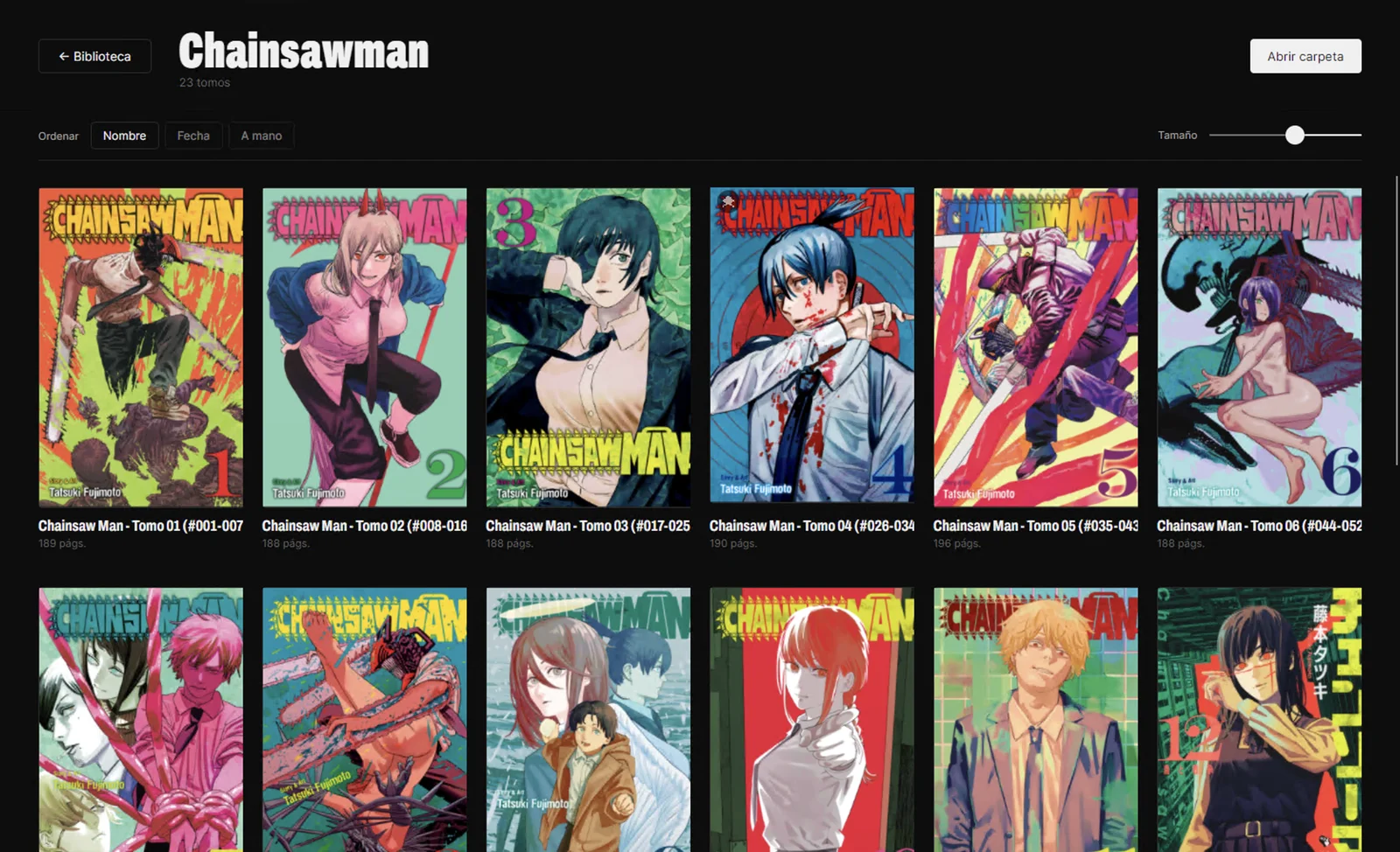
Open any collection to see all its volumes in order, with the page count of each. Sort them by name, by date or by hand.
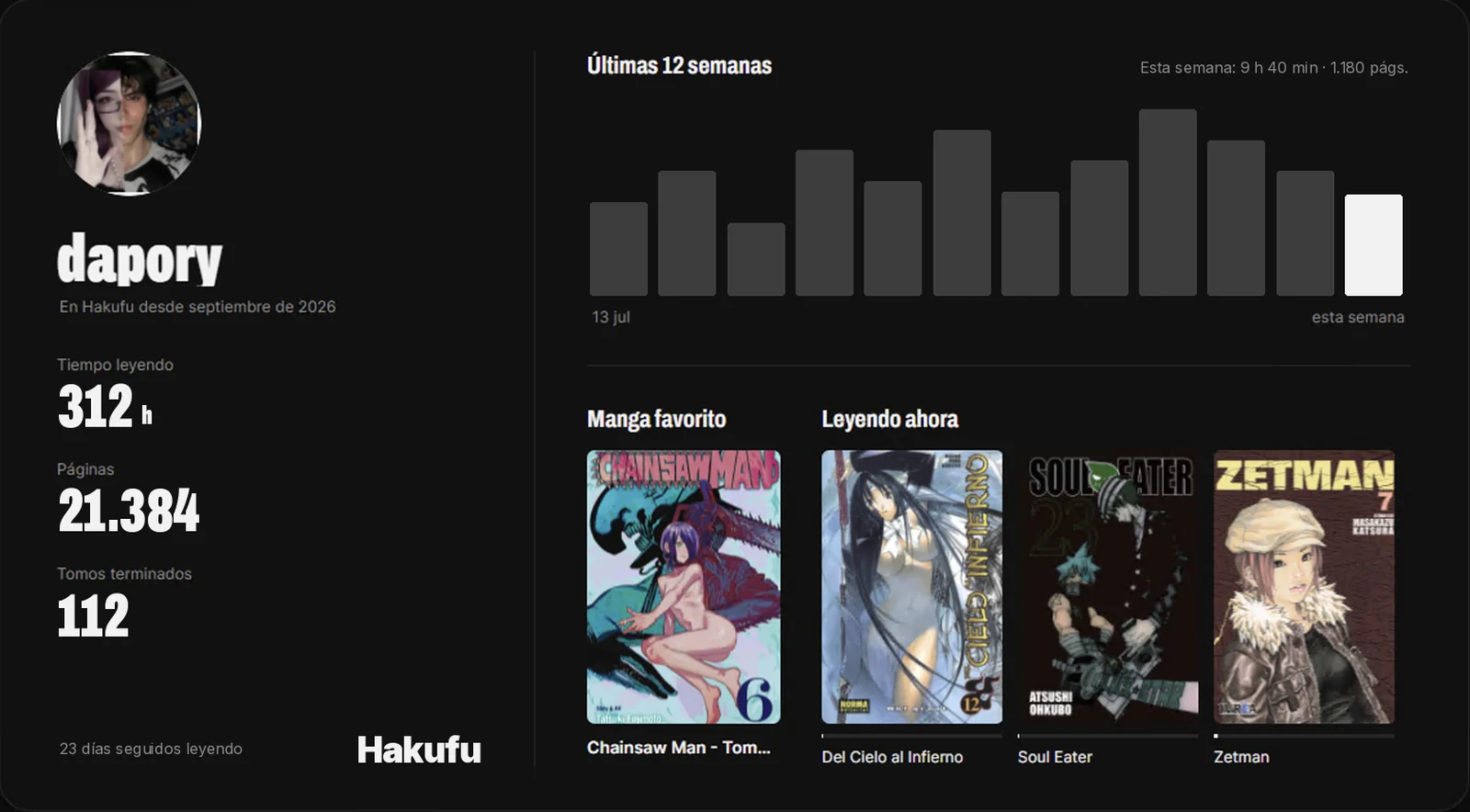
Hakufu keeps track of what you read without you lifting a finger. See your progress like in a fitness app, and share it.
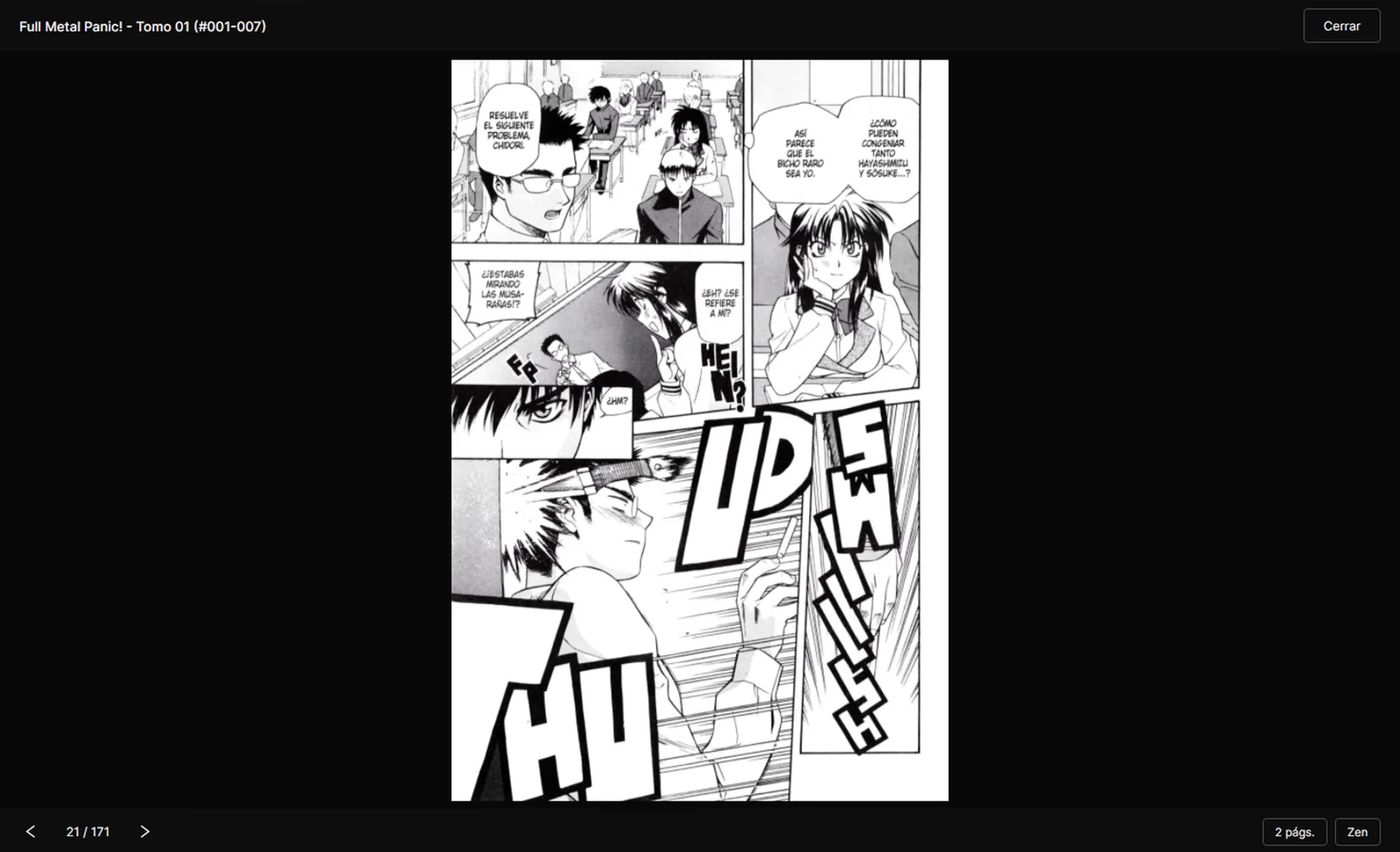
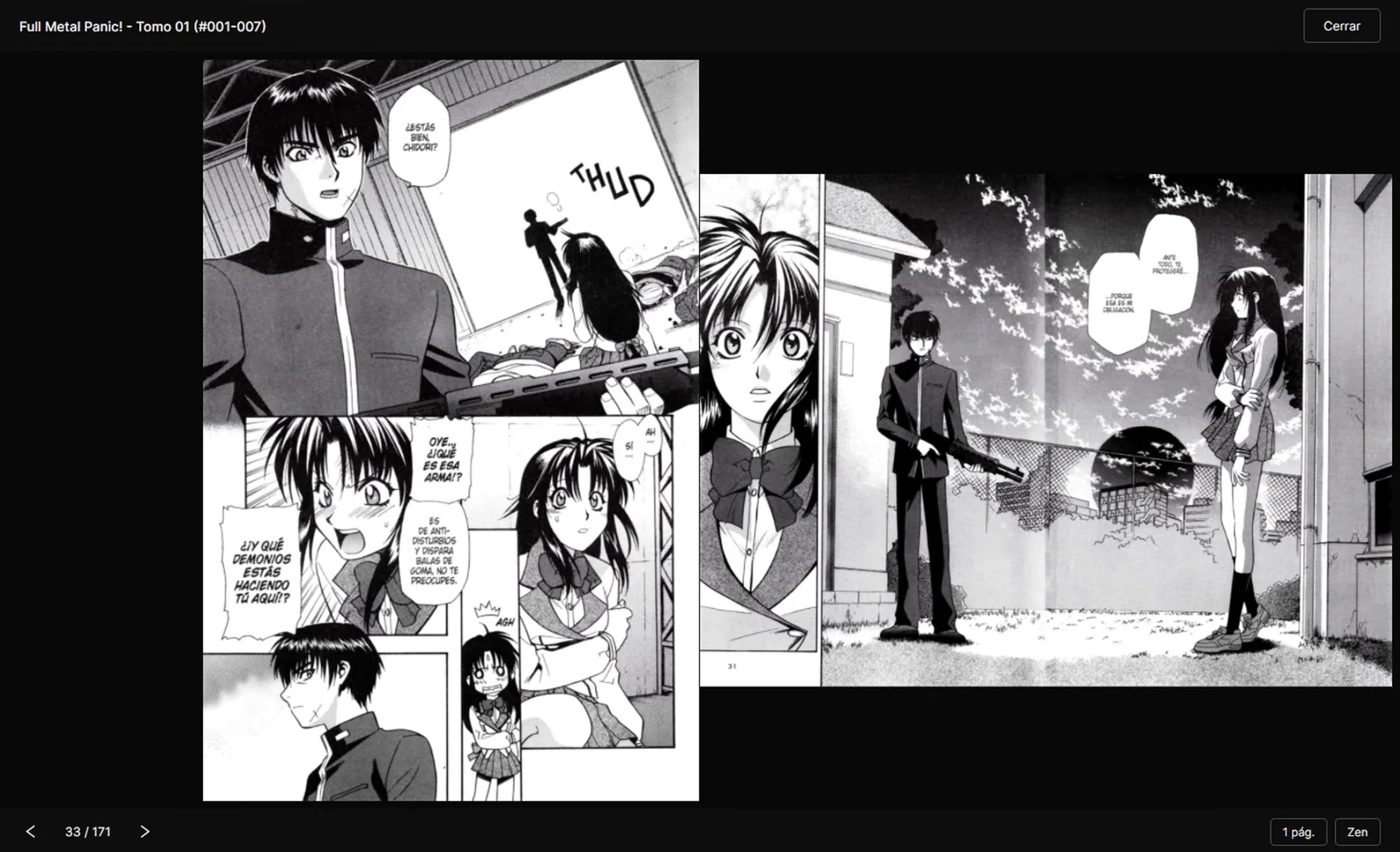
Read page by page, or with the volume open like a real book. Hakufu remembers where you left off.
I started Hakufu months ago as a Windows-only app. This autumn I rewrote it from scratch, learning as I went with help from AI, so it runs on any computer and keeps itself up to date.
Windows only, built with WPF. It had accounts and friends in the cloud.
Moved to Avalonia: the same app on Windows, macOS and Linux. No accounts, no servers: your library never leaves your computer.
Updates itself in one click on all three systems, and speaks English and Spanish.
Installs with a double-click and updates itself: when there is a new version, Hakufu lets you know and updates in one click. If you get lost, open the step-by-step guide for your system.
Windows 10 or 11, 64-bit.
Rather not install? Portable version (.zip), doesn’t update itself.
Open Hakufu-win-Setup.exe: it installs and opens by itself. If Windows warns about an unknown publisher, click More info and then Run anyway.
macOS 12 or later.
Rather not install? Portable version for Apple silicon or Intel, doesn’t update itself.
Open the .pkg and follow the steps: Hakufu ends up in Applications. If macOS won’t open it, go to System Settings → Privacy & Security and click Open Anyway. Only the first time.
x64, any recent desktop distro.
Prefer a folder? Portable version (.tar.gz), doesn’t update itself.
Make it executable (chmod +x Hakufu.AppImage) and open it. If it does not start: sudo apt install libfuse2t64 libfontconfig1 libice6 libsm6.
All versions and release notes on GitHub.
Download the new version and open it: it reads the same data folder, so your collections and progress are still there. Accounts and friends no longer exist; to move your library to another computer, use the .zip backup.